La alternativa a Substance Painter sin suscripción ni mensualidades
Pinta materiales PBR directamente sobre tus modelos 3D, con sombras y reflejos trazados en tiempo real, y llévalos a Blender, Unreal, Unity o Godot.
US$8,99, pago único. Windows 10 y 11.
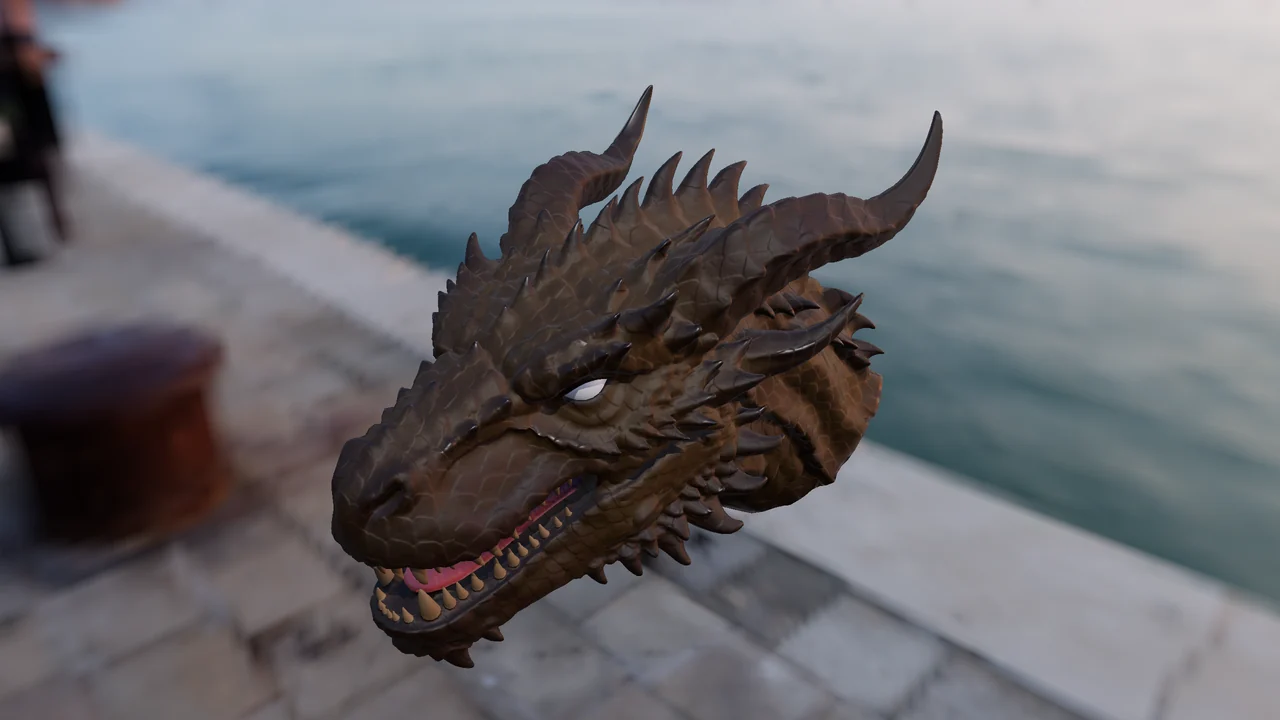
En pocas palabras
-
Pinta sobre el modelo
La pincelada mide su distancia sobre el modelo y no sobre el despliegue: cruza las costuras UV sin cortarse y alcanza lo que queda fuera de pantalla.
-
Materiales que leen tu malla
Cada material inteligente se rehace sobre la curvatura, la oclusión y la altura horneadas de tu modelo: el desgaste cae en los cantos que tu pieza tiene.
-
Sale listo para el motor
Texturas PNG con los canales en el orden que espera Unreal, Unity, Godot o Blender, y un GLB autocontenido.
Sombras y reflejos trazados, mientras pintas
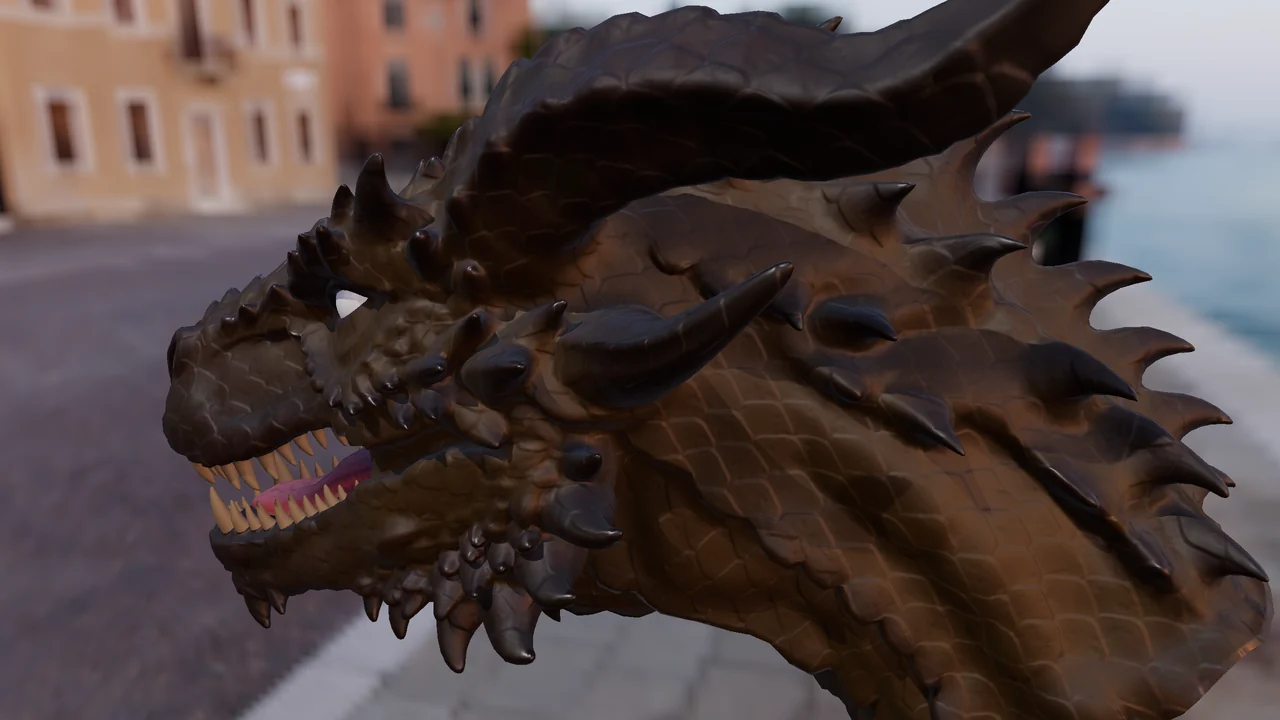
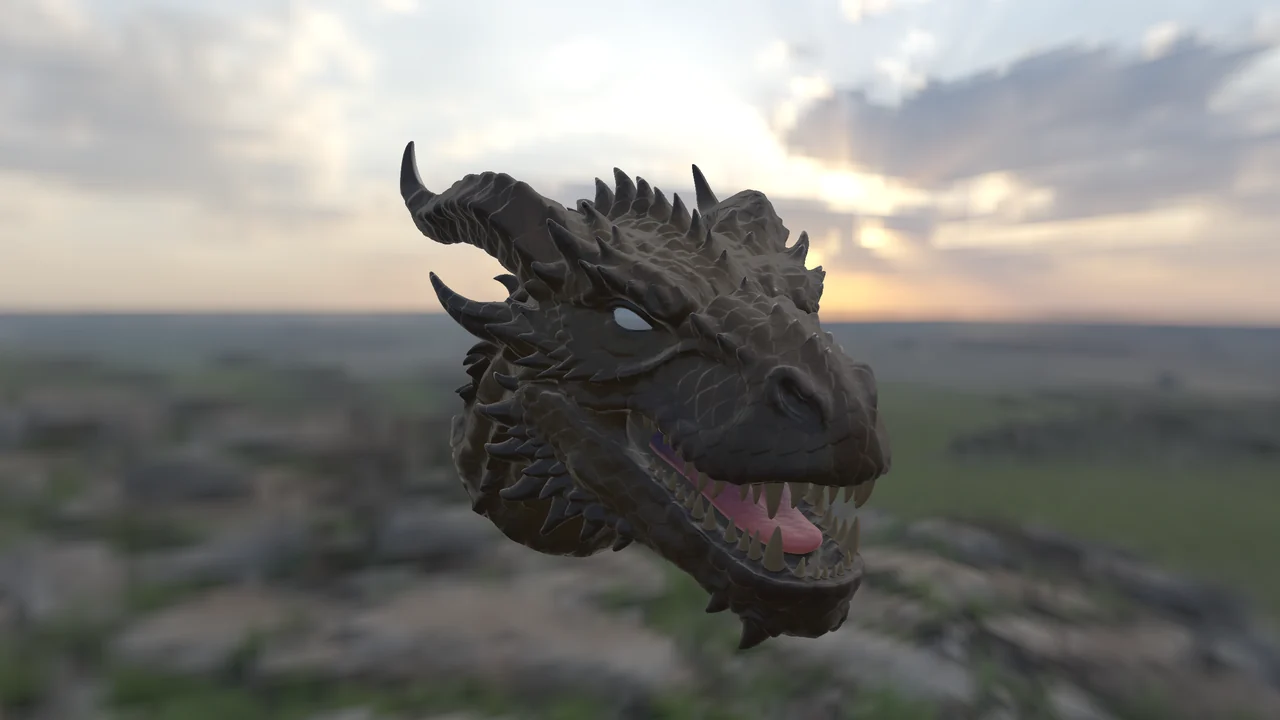
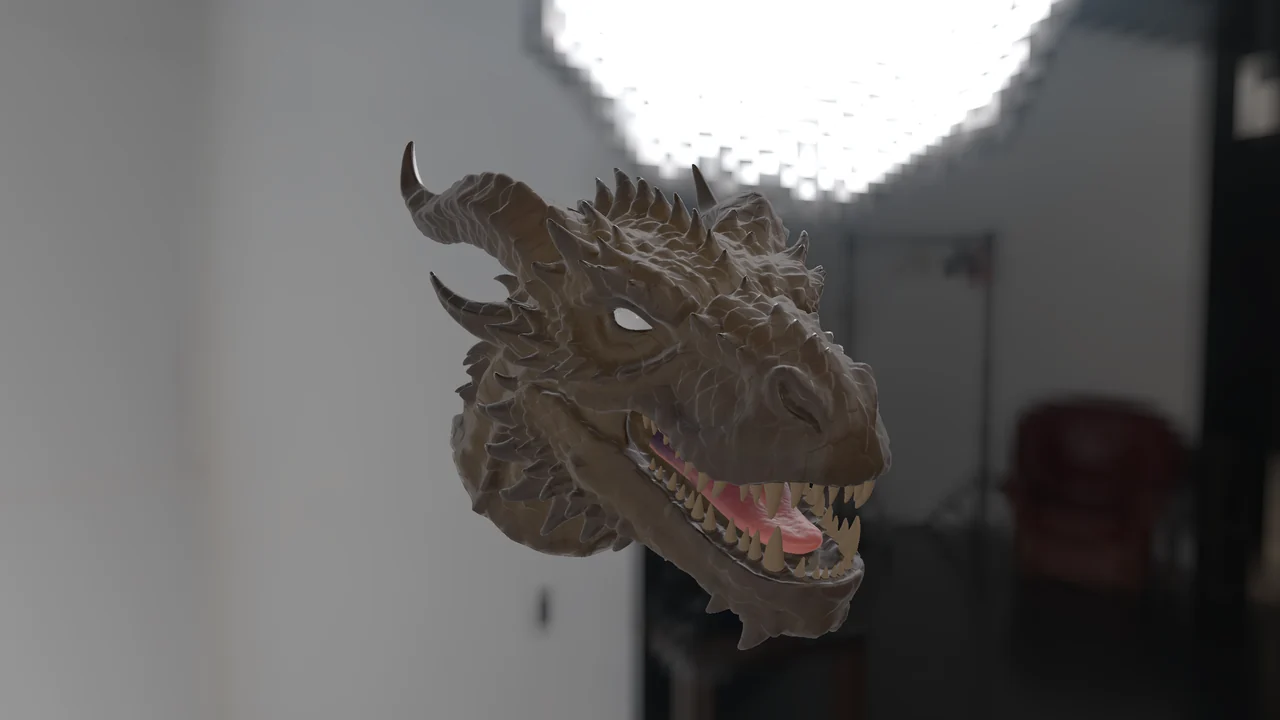
En una placa con trazado de rayos por hardware, el visor suma la sombra de la luz principal y el reflejo del propio modelo. Arrastra la línea: a la derecha, los cuernos proyectan su sombra sobre la cabeza y la boca se oscurece por dentro.
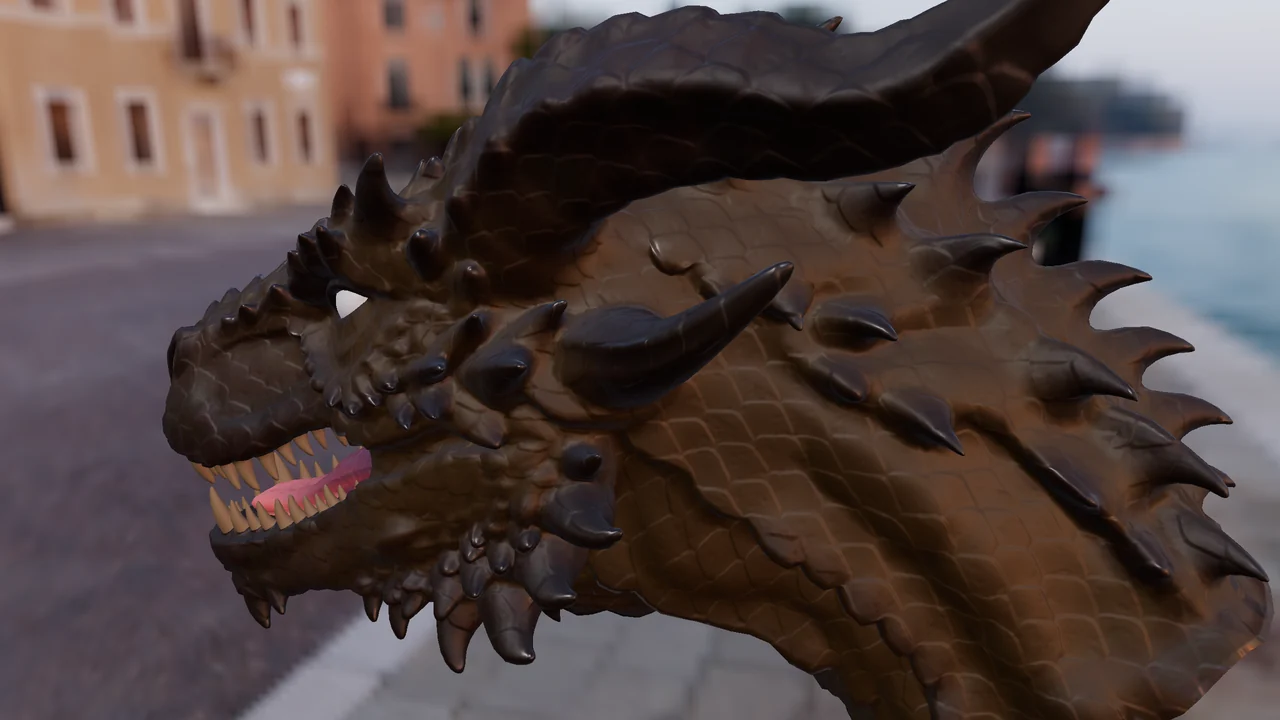
 Sin trazado
Con trazado
Sin trazado
Con trazado
- Rápida mientras pintas
- Media y Alta, que se afinan con la vista quieta
- Opcional: pide una placa tipo RTX
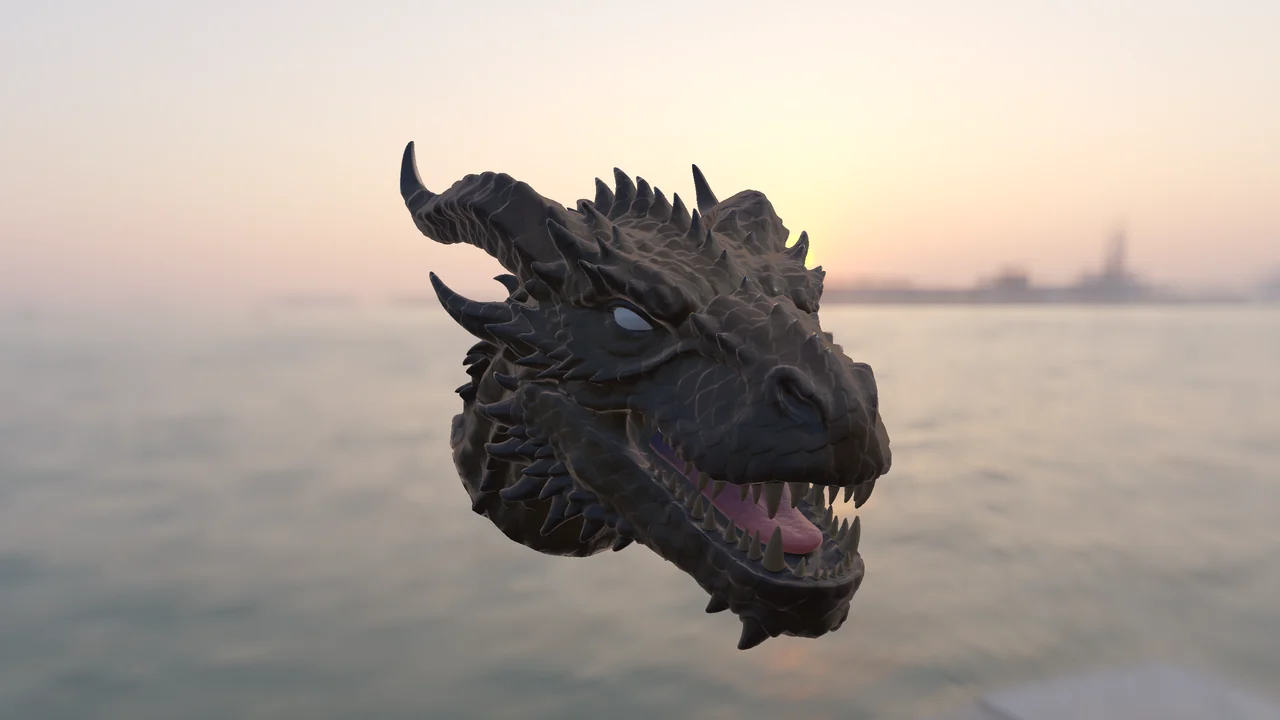
Cualquier cielo, de fondo y en cada reflejo
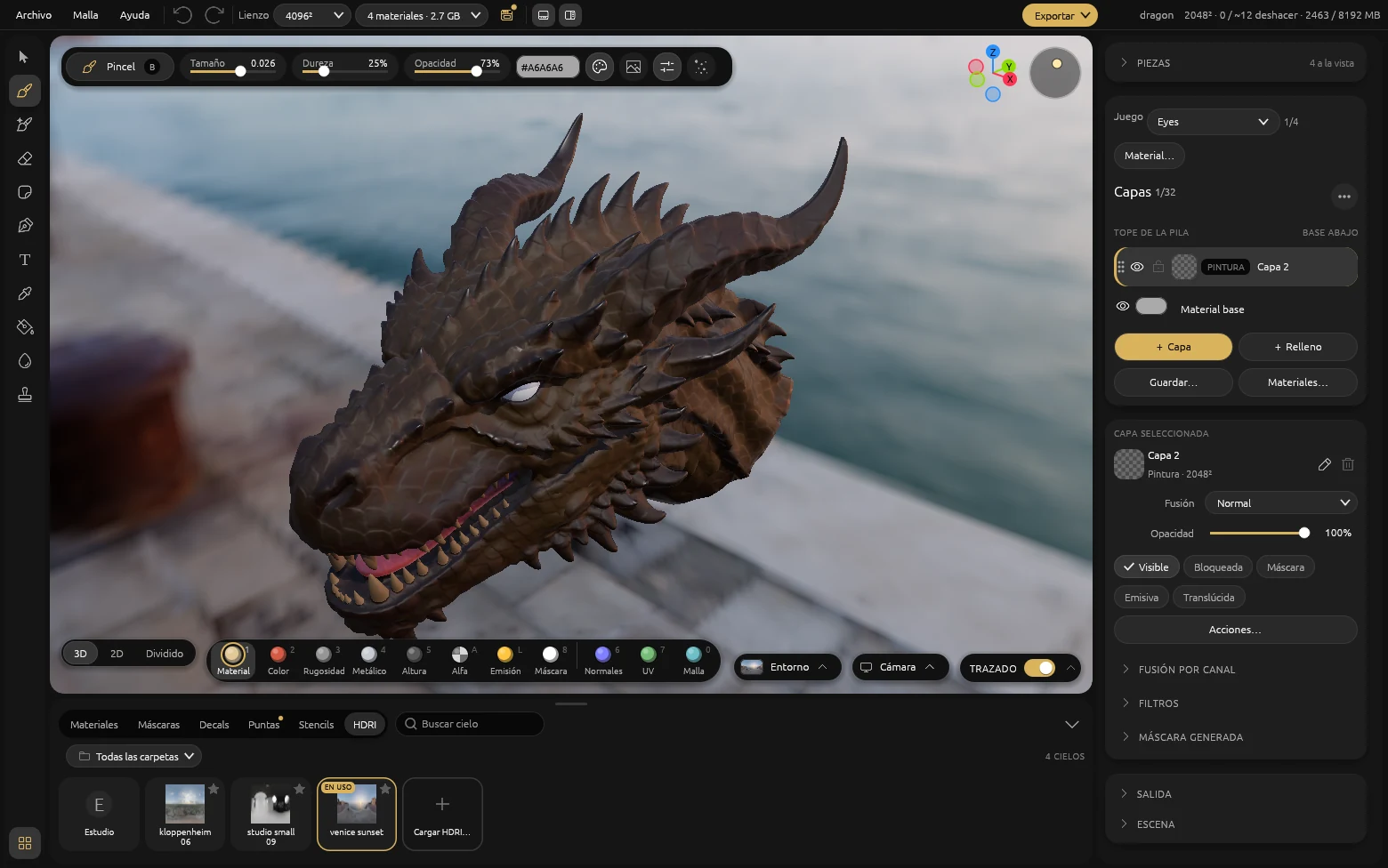
El mismo dragón bajo tres cielos HDRI. Cambia el entorno desde la barra del visor: gíralo, súbele o bájale la intensidad, desenfócalo o muéstralo de fondo. Trae los tuyos en .hdr o .exr.
Todo a mano, bajo el visor
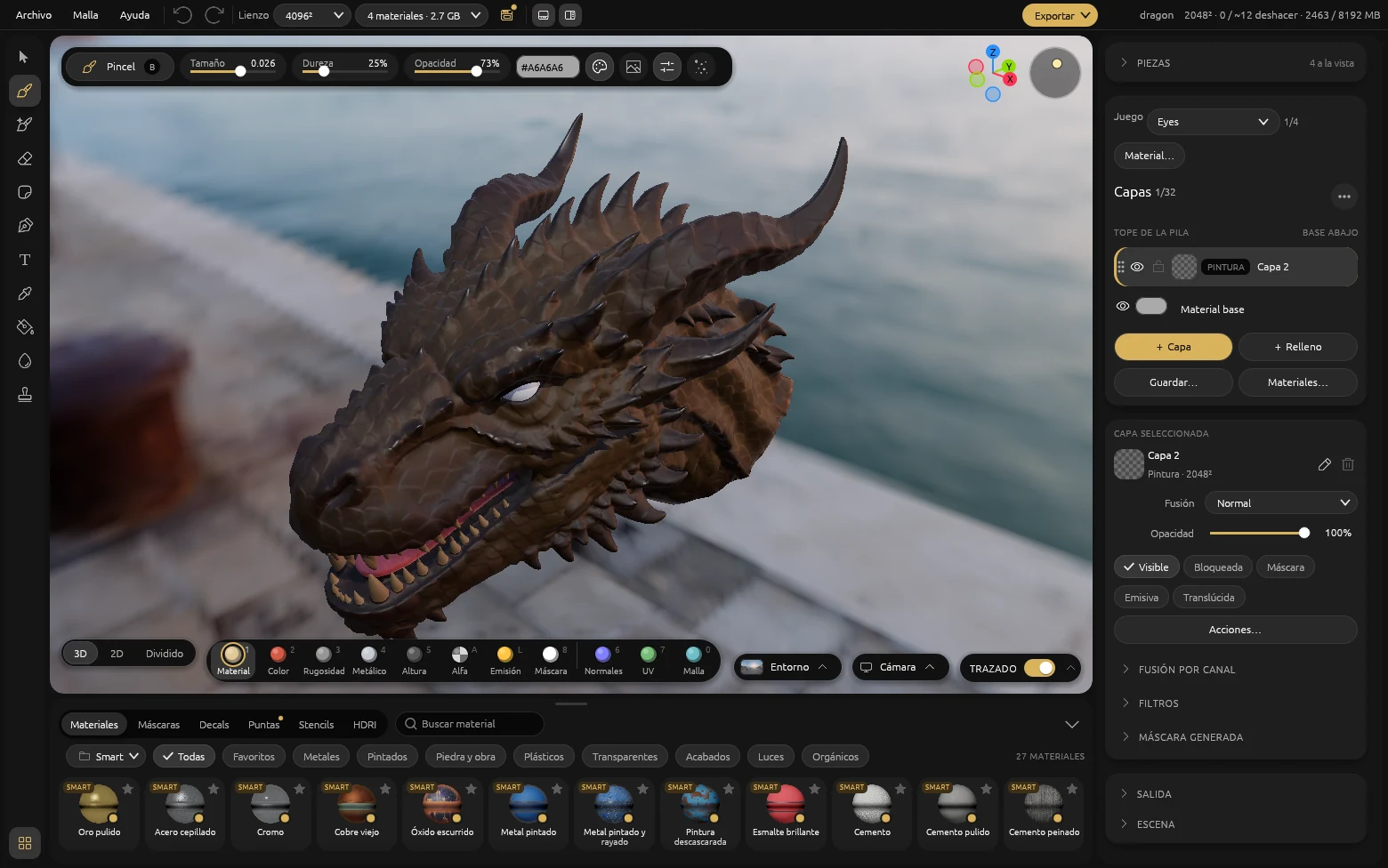
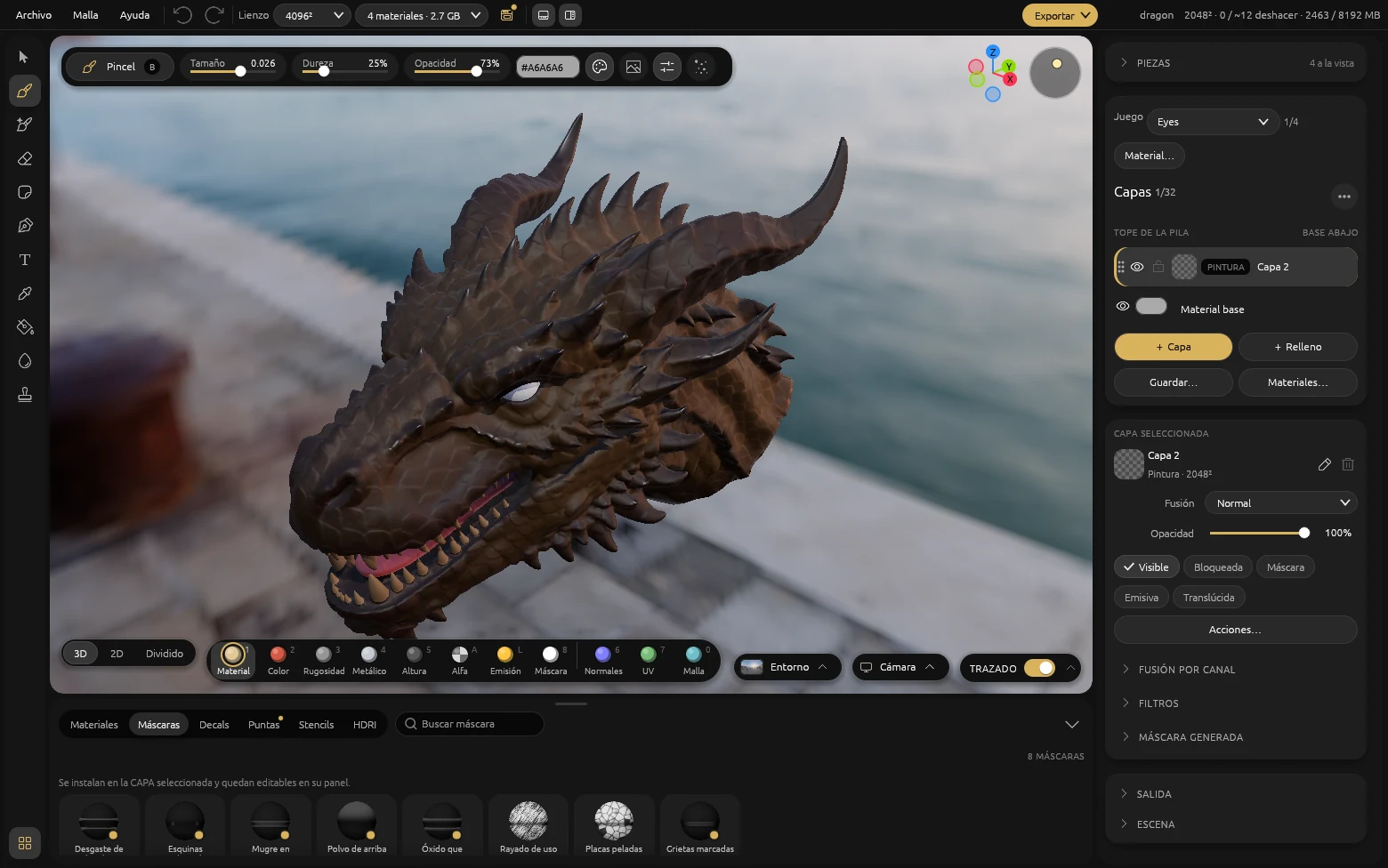
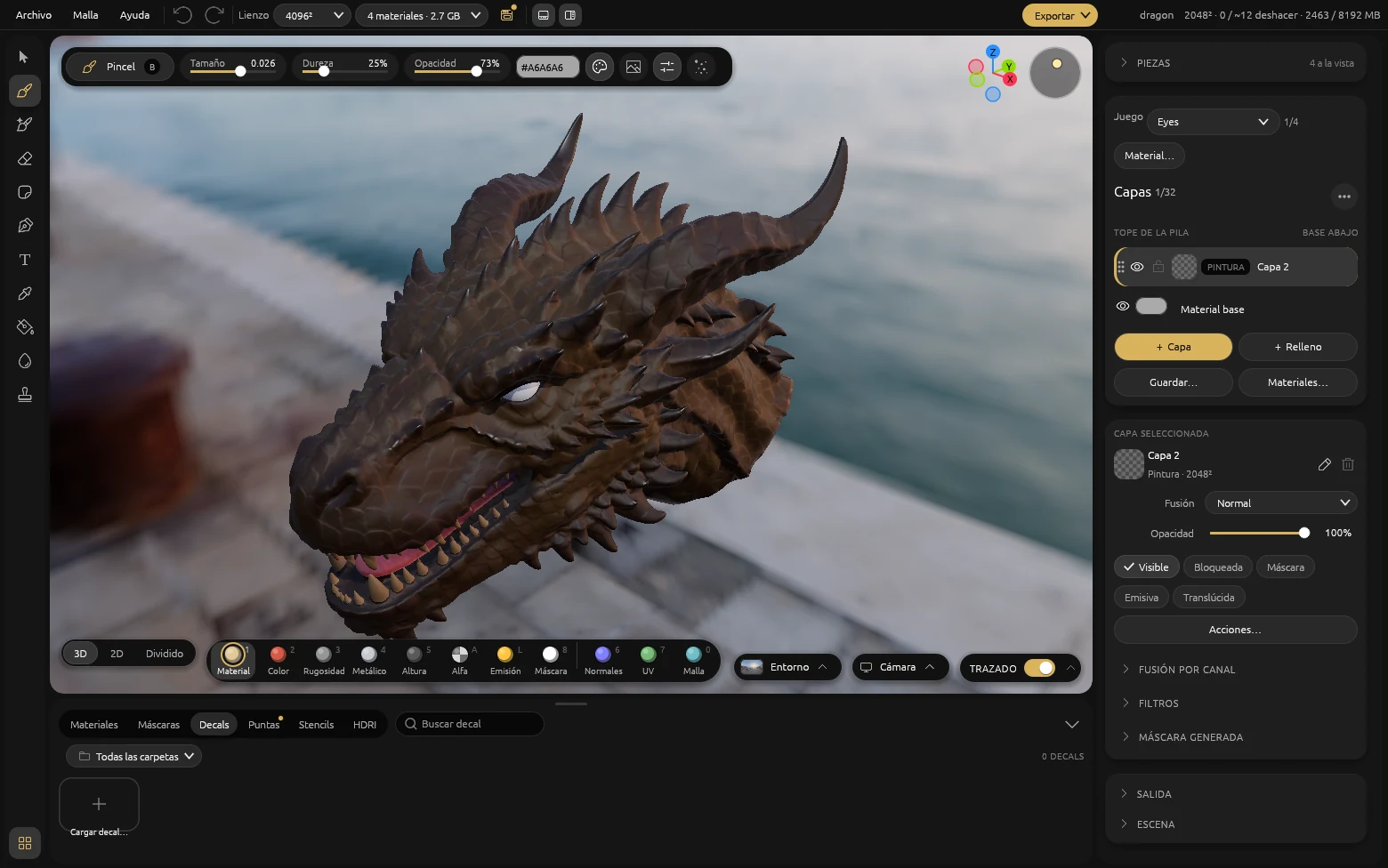
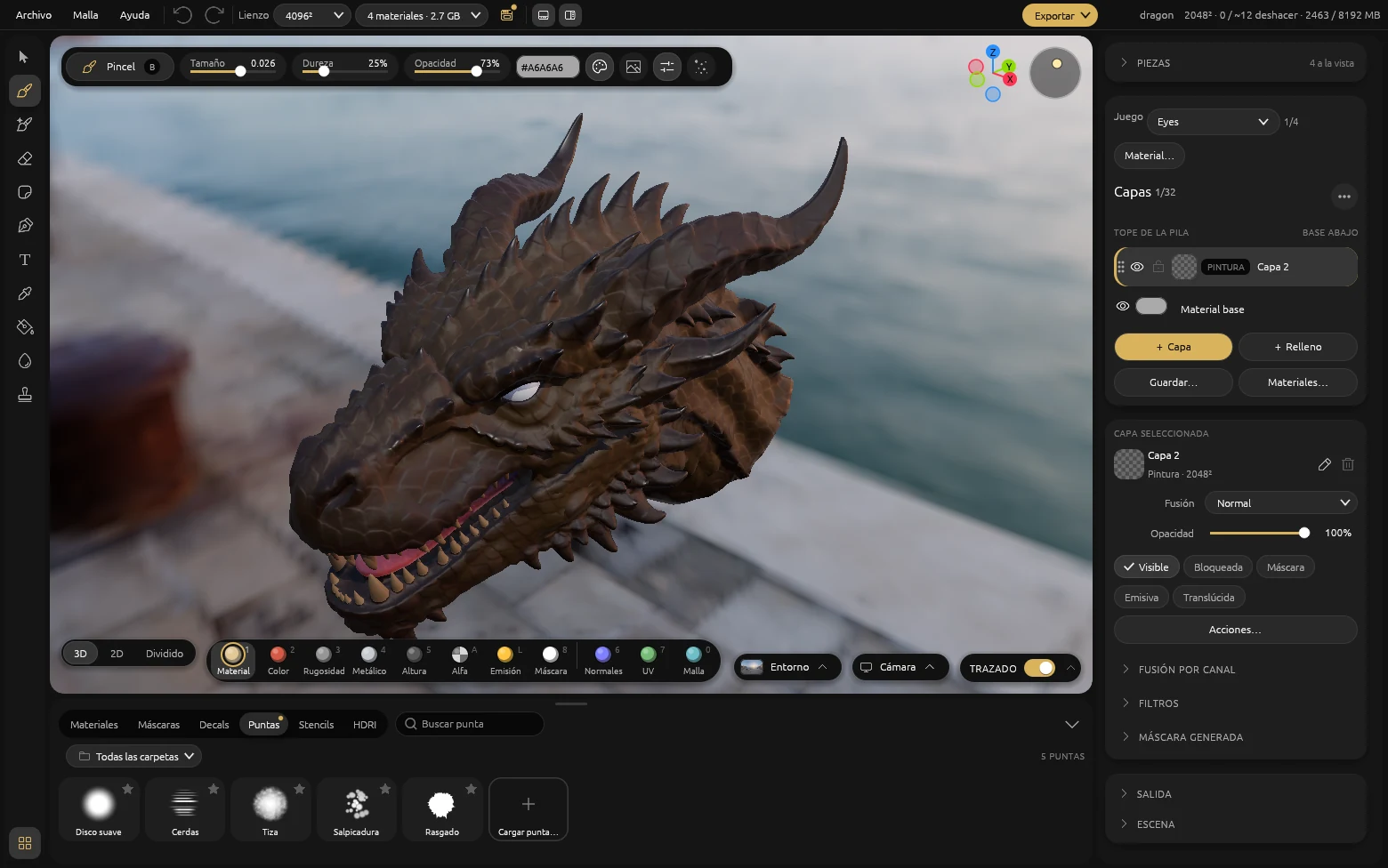
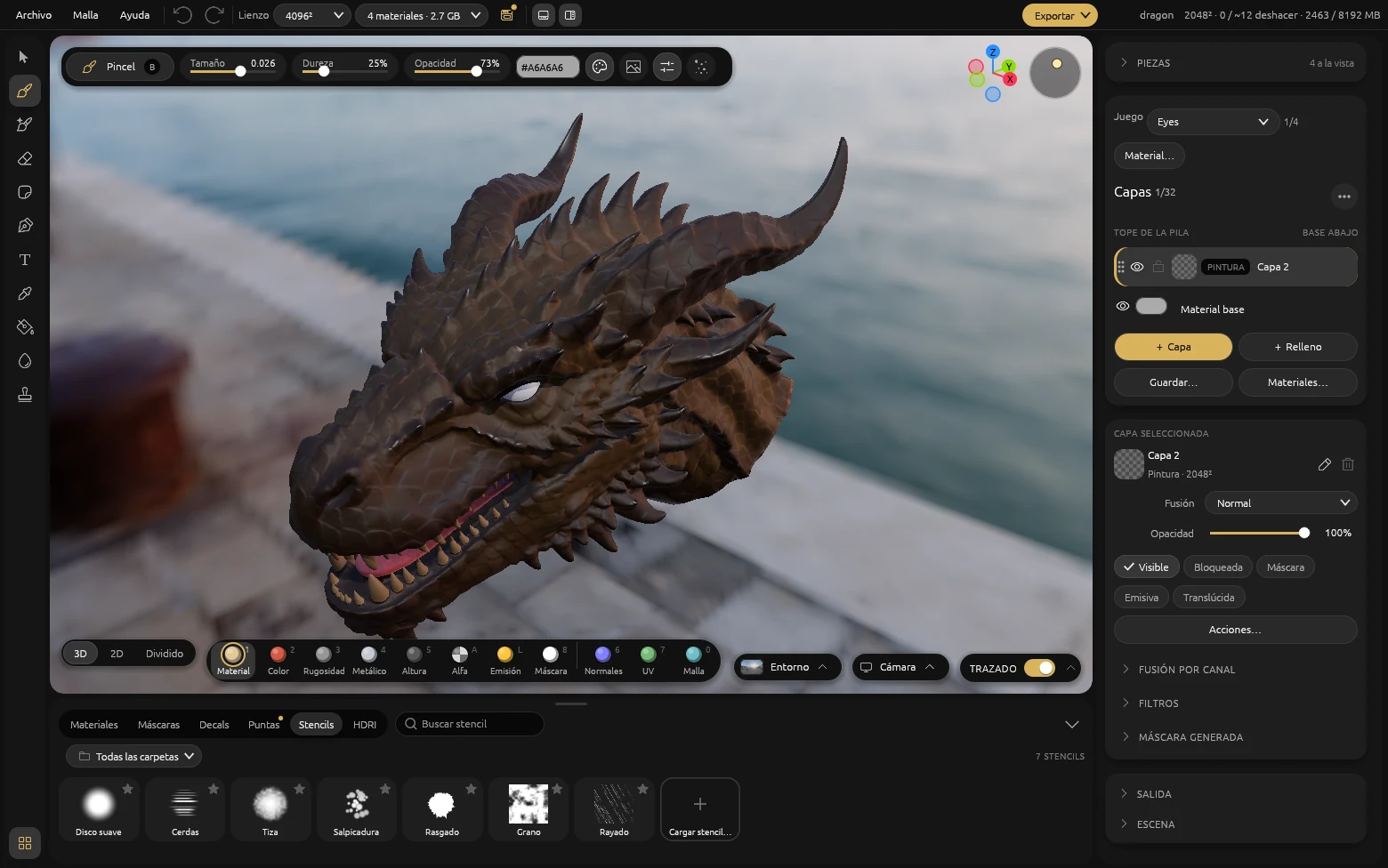
Materiales, máscaras, decals, puntas de pincel, stencils y cielos en el mismo muelle, con búsqueda y favoritos.
Tu biblioteca de PBR
Importa juegos de texturas PBR y MaterialEX los copia a su carpeta, ordenados por categoría. Desde ahí se pintan y se proyectan, y el menú del botón derecho los renombra o los mueve.
27 materiales inteligentes que se adaptan solos
Metales, pintados, piedra y obra, plásticos, transparentes, acabados, luces y orgánicos, con una piel que deja pasar la luz por lo delgado. Cada uno entra como un grupo de capas con mandos de desgaste, patrón, intensidad y semilla, y se rehace sobre la geometría de tu pieza. El pincel también pinta con ellos.
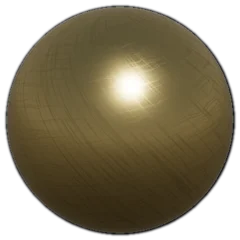 Oro pulido
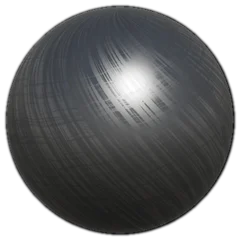 Acero cepillado
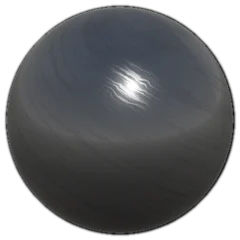 Cromo
Cromo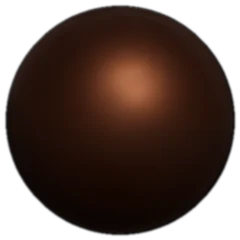 Cobre viejo
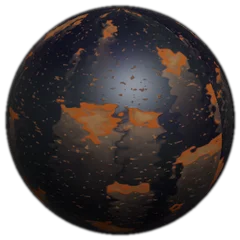 Óxido escurrido
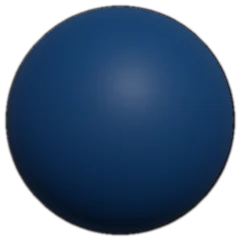 Metal pintado
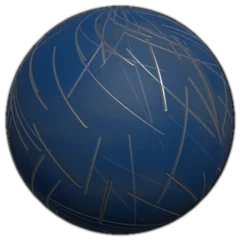 Metal pintado y rayado
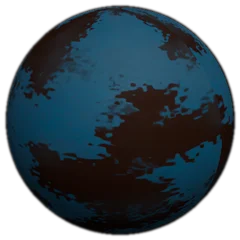 Pintura descascarada
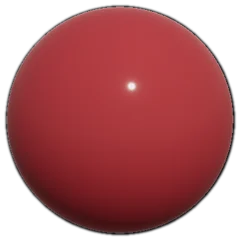 Esmalte brillante
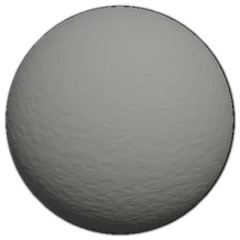 Cemento
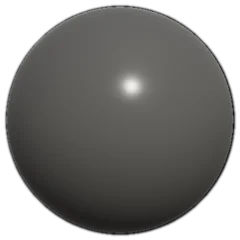 Cemento pulido
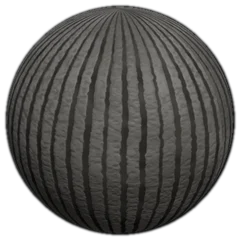 Cemento peinado
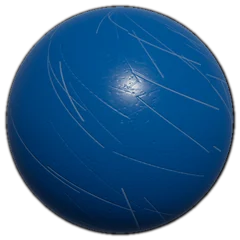 Plástico rayado
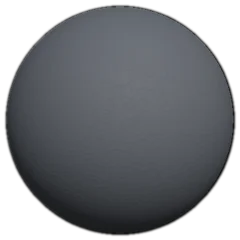 Plástico mate
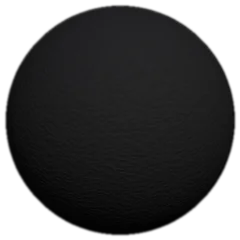 Caucho
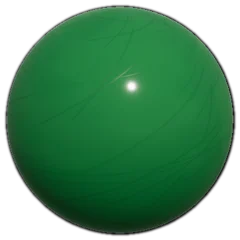 Plástico brillante
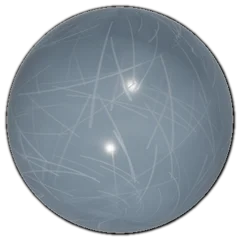 Plástico transparente
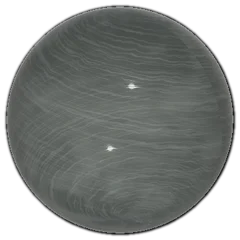 Vidrio
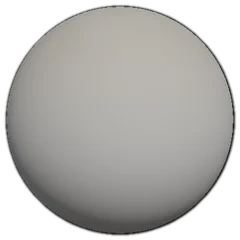 Polvo asentado
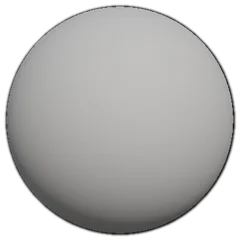 Mugre en cavidades
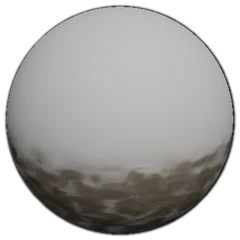 Barro salpicado
 Neón
Neón Pantalla encendida
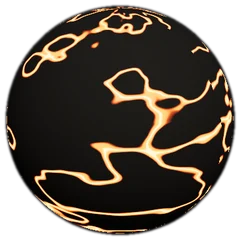 Lava
Lava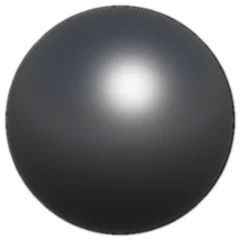 Metal al rojo
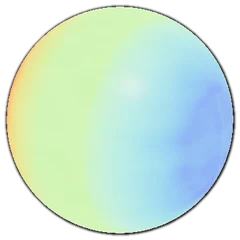 LED RGB
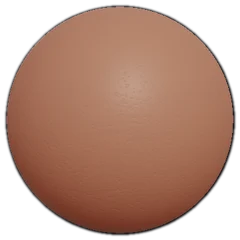 Piel
Piel
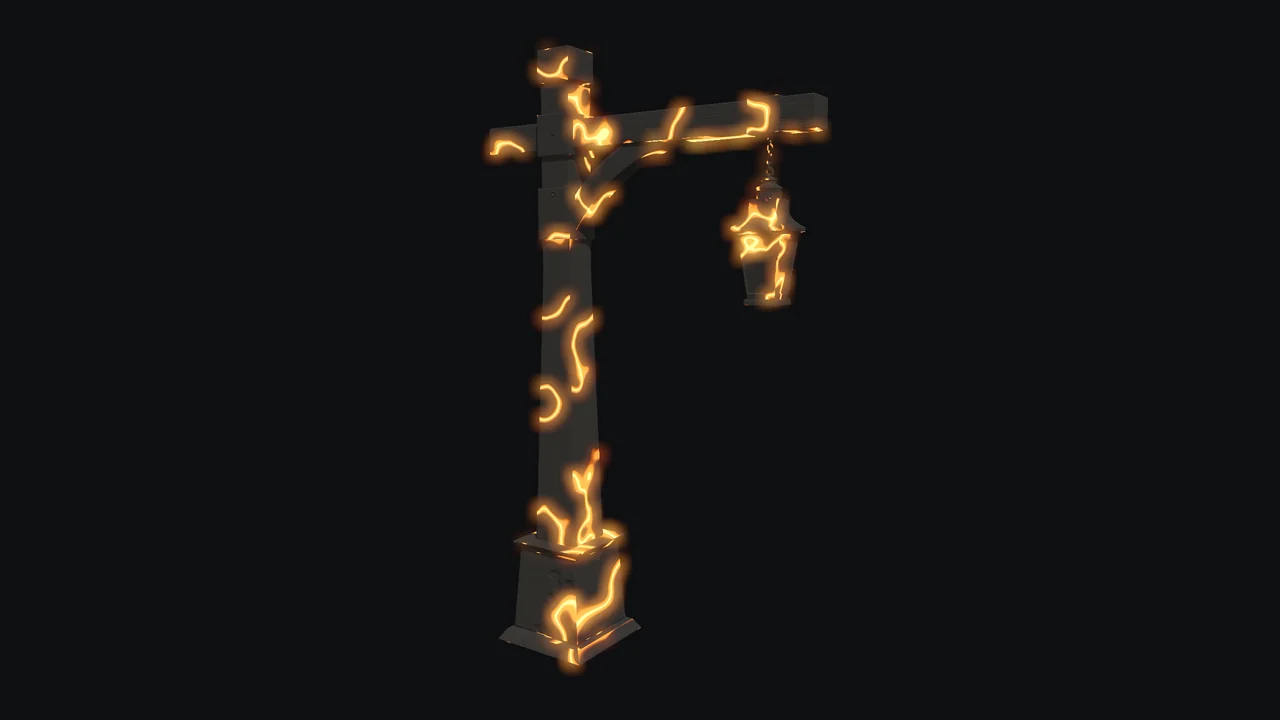
Lo que brilla
Cualquier capa puede emitir luz, con su color o como brillo puro, y el visor la muestra con Bloom. La familia Luces trae neón, pantalla encendida, lava, metal al rojo y LED RGB, y la emisión sale en el GLB, en el .blend y para Unity.
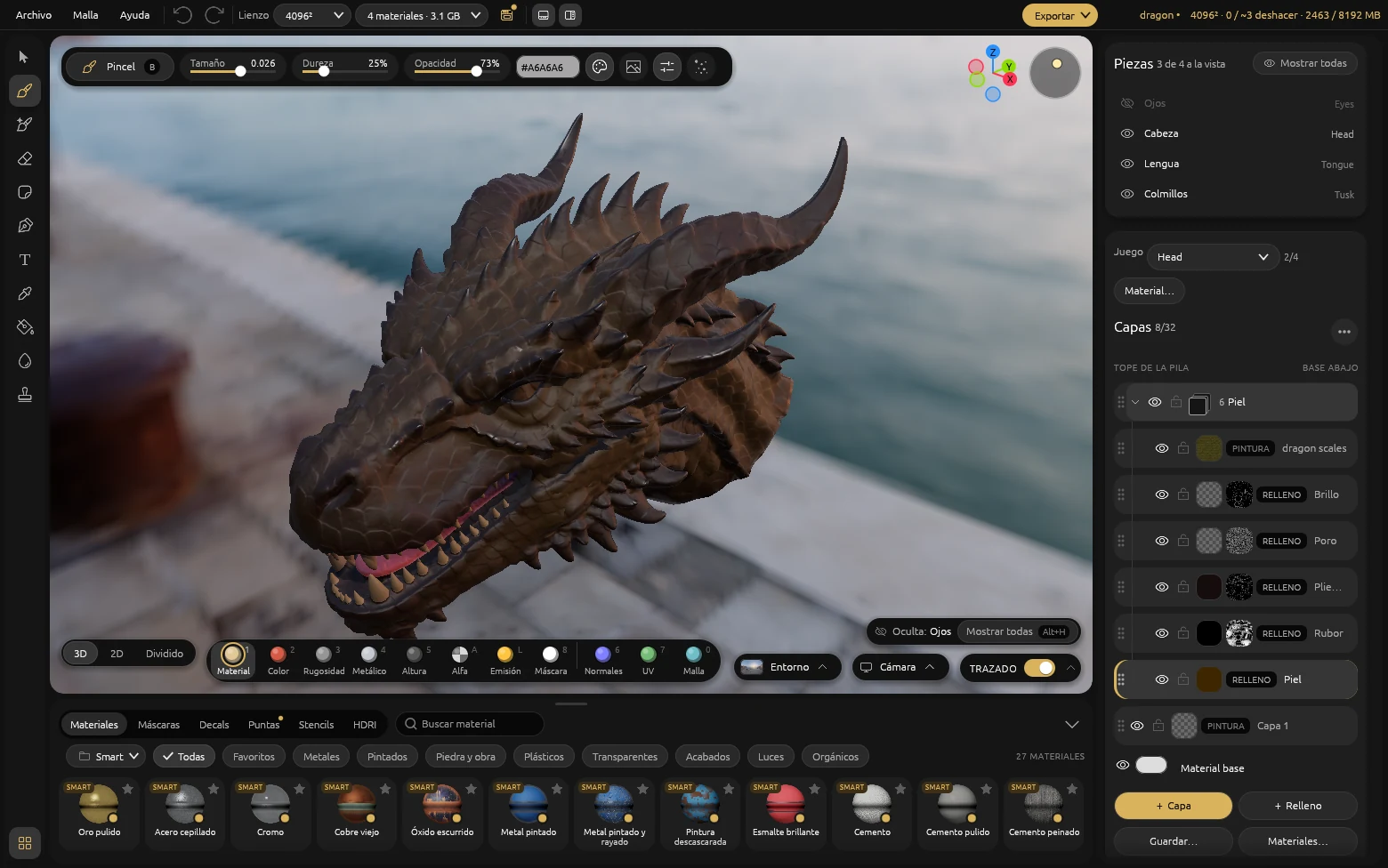
Tus modelos, con sus materiales y pieza por pieza
Un GLB con texturas, también WebP, abre con cada material como una capa «Del archivo», con su normal y su emisión, y pintas encima.
La sección Piezas lista cada malla: ocúltala, aíslala o renómbrala con las teclas de Blender. Lo oculto no se pinta, pero se hornea, se exporta y se guarda entero.
Y todo lo de cada día
-
Cinco canales por capa
Color, rugosidad, metálico, altura y alfa, cada uno con su cobertura y su modo de fusión.
-
Horneado
Curvatura, oclusión, grosor y altura desde tu malla, y la normal de una escultura high-poly.
-
UDIM
Cada teja con su textura y su resolución. La pincelada cruza de una a la siguiente.
-
Decals, texto y trazos
Proyectados o apoyados en el despliegue, con tus fuentes instaladas, y caminos con nodos para costuras, remaches y cables.
-
Máscaras generadas
Desgaste de bordes, mugre en rincones, polvo de arriba. Se rehacen al mover un mando.
-
Documentos de 8K
Las capas sólo ocupan memoria de video donde pintas, y el techo lo pones tú.
-
Agujeros y vidrio
El alfa abre la superficie y la vuelve translúcida, y viaja al GLB y a los motores.
-
Proyectos .mtex
Un zip legible en tu disco, con un PNG por textura. Sin nube y sin nada que caducar.
Tus texturas, listas para el motor
Texturas PNG con su manifiesto y el mapa empaquetado en el orden de canales que espera cada motor, con la emisión incluida. El .blend lo arma el Blender que ya tengas instalado, con las texturas empaquetadas adentro.
- Unreal ORM
- Unity URP, Built-in, HDRP
- Godot
- glTF GLB
- Blender .blend
| Requisito | Mínimo | Recomendado |
|---|---|---|
| Sistema | Windows 10 2004 | Windows 11 |
| Memoria de video | 2 GB | 8 GB |
| Memoria | 8 GB | 16 GB |
| DirectX | 12 / FL 11 | 12 / FL 11 |
| Trazado de rayos | Opcional | Por hardware y Vulkan (p. ej. NVIDIA RTX) |
| Abre | glTF, GLB (también con texturas WebP), .blend, .mtex y .mmat | |
US$8,99
Una vez, y es tuya
Sin suscripción, sin cuentas y sin nube. La licencia es tuya para siempre y tu trabajo queda en tu equipo. Unos 8.200 CLP en Chile.
Preguntas frecuentes
¿Es realmente una alternativa a Substance Painter?
Sí. Cubre el flujo central que la mayoría de los artistas usa a diario: pintar mapas PBR directamente sobre el modelo 3D y exportarlos listos para el motor. No es un clon exacto, es una alternativa centrada en el pipeline glTF y GLB con un precio único.
¿Cuánto cuesta en Chile?
US$8,99, unos 8.200 CLP al tipo de cambio actual, en un solo pago. No hay mensualidad, no hay renovación automática ni costo anual.
¿Funciona sin internet?
Sí. La aplicación se descarga una vez y después todo el pintado, el renderizado y la exportación ocurren en tu equipo. No requiere conexión activa, ni cuenta de usuario, ni servicios en la nube.
¿A qué motores exporta?
Exporta a glTF y GLB, el formato estándar de la industria, y arma los paquetes de texturas para Unreal, Unity y Godot. Con Blender instalado, también exporta escenas .blend.
¿En qué sistemas operativos funciona?
En Windows 10 y Windows 11, instalado desde la Microsoft Store. Es una aplicación nativa: sin emuladores, sin navegador de por medio y sin peso innecesario.
¿Necesito una placa con trazado de rayos?
No. Las sombras y los reflejos trazados se encienden en placas con trazado de rayos por hardware, como las NVIDIA RTX. Sin una, el botón «Trazado» queda apagado y todo lo demás funciona igual.
¿La licencia es para siempre?
Sí. Pagas una vez y la aplicación es tuya de forma permanente. No hay renovaciones, no pierdes acceso si no vuelves a comprar nada y tu trabajo queda siempre en tu equipo.





Clasificación IARC: apto para todas las edades en todos los mercados.

Sobre mí
Soy diseñador de productos y llevo más de diez años trabajando en la industria del 3D. Cansado de pagar licencias y suscripciones para poder texturizar, quise acercar este tipo de software a más gente: una herramienta seria, que se compra una vez y es tuya.
Soy papá, chileno, entusiasta de la tecnología y amante de los animales. Hice MaterialEX con mucho cariño, pensando en la comunidad.
¿Por qué cobro? MaterialEX es mi proyecto personal y me gustaría dedicarme a él por completo, para seguir perfeccionándolo y sumarle funciones. Cada compra me acerca a eso.
Alex Novoa Temuco, Chile